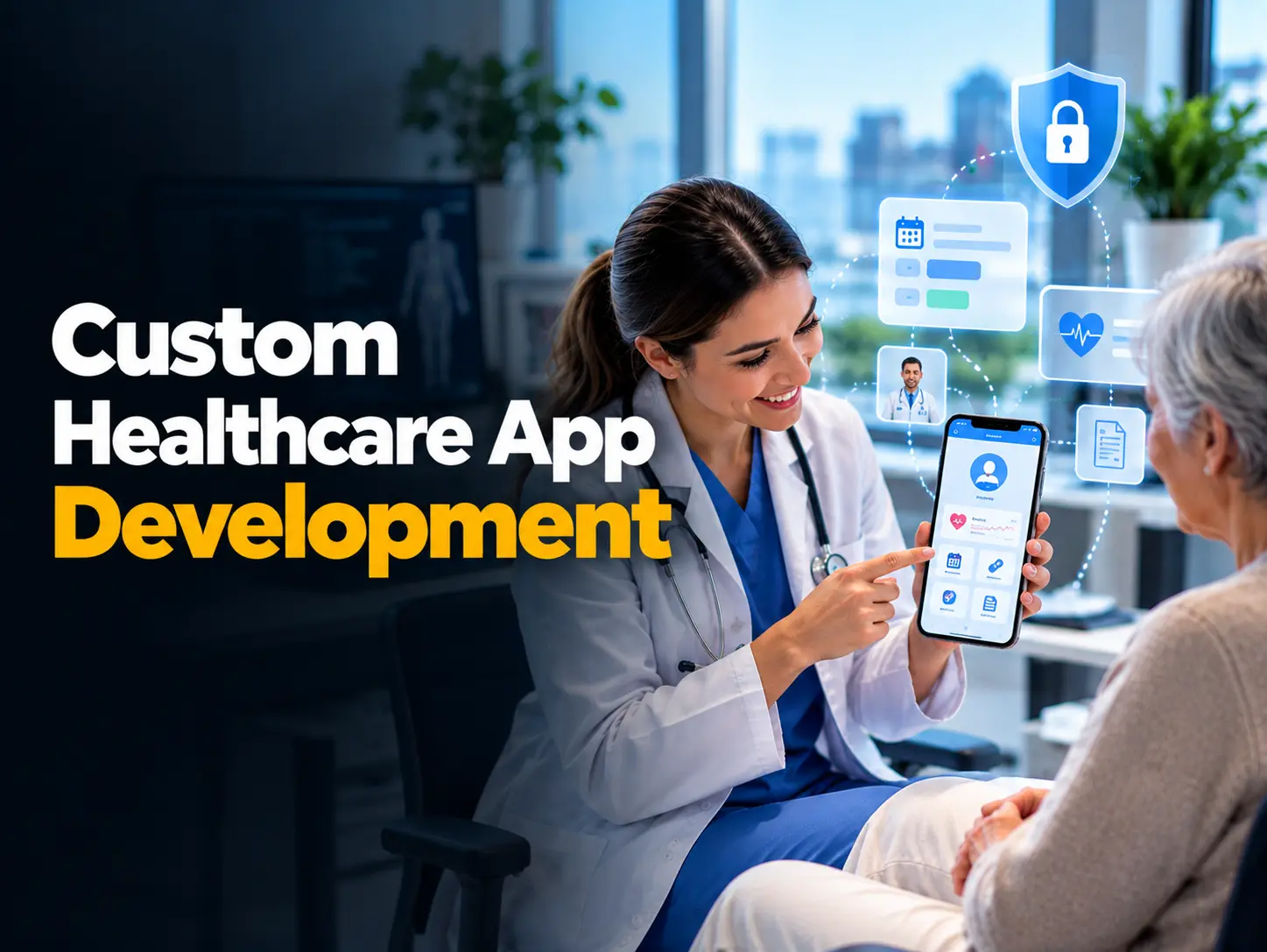
A patient wants to book an appointment without making several calls. A doctor needs to understand a concern expressed in another language. An administrative team wants fewer routine tasks waiting at the end of the day. These are useful starting points for a healthcare app.
For US healthcare startups, clinics, and hospitals, custom healthcare app development starts with understanding where care becomes difficult to access or coordinate. At Mobilions, our healthcare work includes medical conversation translation and personalized nutrition platforms. This guide explains the decisions that shape a useful product, with examples from Careslate and JoinBeet.
Custom healthcare app development means designing software around a particular service, patient group, or clinical workflow. The work includes the experience on the phone and the processes behind it, such as staff access, appointment management, and connections to external services.
Start with patients and the people delivering care
Before choosing features, follow a typical patient journey. How does someone find an appointment, prepare for a visit, ask a question, and understand the next step? Then look at the work required from doctors and administrative staff.
A startup may need to validate one service. A clinic may want to simplify booking. A hospital may need a workflow that fits several departments. Define the main problem and decide how to measure progress, such as fewer booking calls or a higher proportion of completed registrations. Agree on a baseline so you can compare changes after launch.
Choose features around the first useful release
Appointment booking should help patients see availability and choose a suitable time. Video consultations should make joining a visit straightforward, with clear instructions when a connection fails. Each feature also needs a workable process for the staff managing it.
For example, decide how a rescheduled appointment reaches the clinic team and whether the patient receives a confirmation. For video visits, consider camera and microphone permissions before the appointment begins. Small details like these help define what the first release needs to handle.
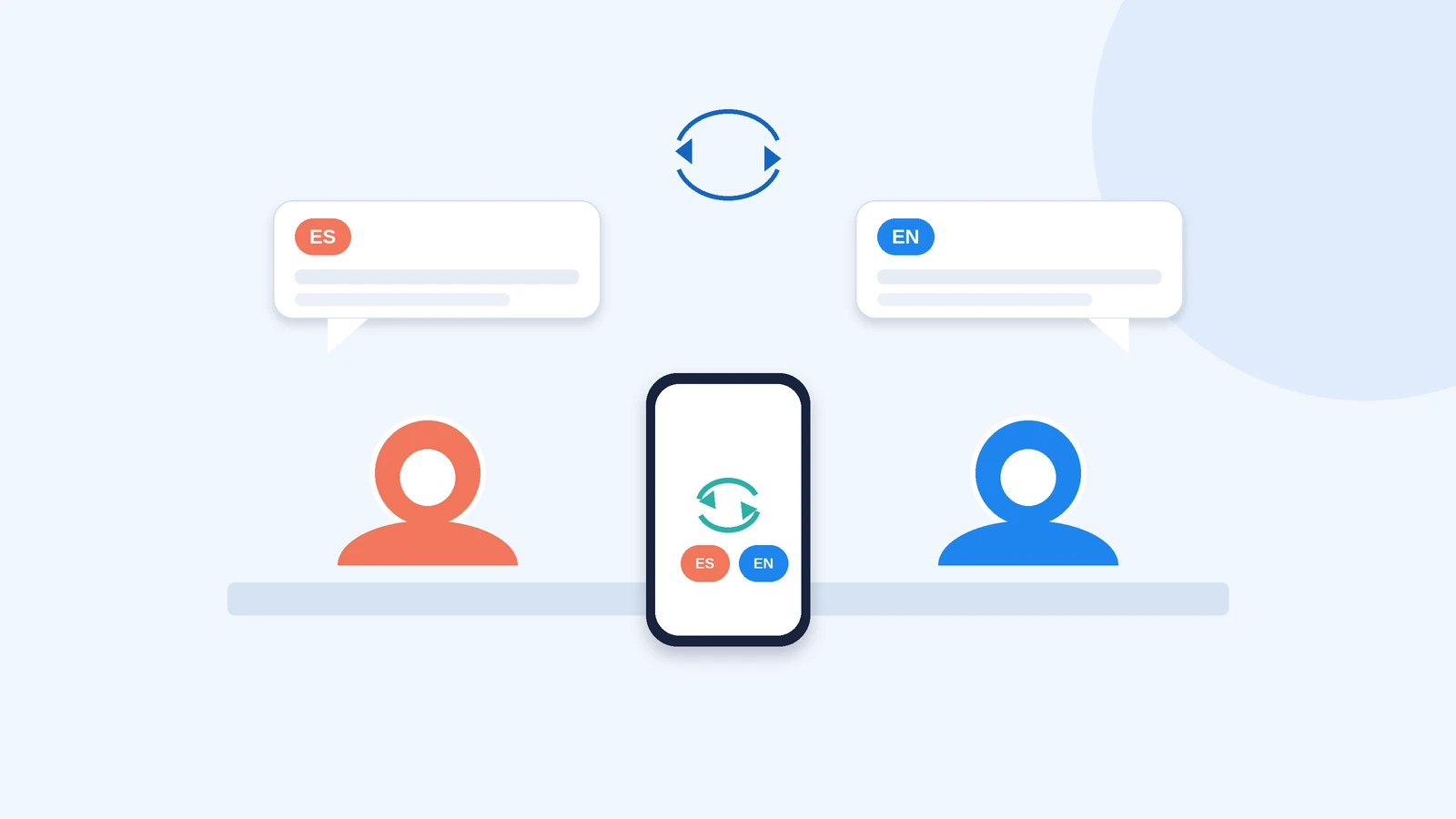
Language support can address another practical barrier. Careslate supports spoken translation between the two languages selected for a doctor and patient conversation. For example, a patient can speak Spanish while the doctor receives English text and audio, then reply in English for translation back into Spanish.
Build the first release around the tasks your users need most. Caregiver access, symptom diaries, and other features can follow when the core experience is working well.
Make privacy requirements specific to the product
For a US healthcare app, establish which privacy rules apply and who is responsible for meeting them. HIPAA applicability depends on the organizations, relationships, and services involved. HHS guidance for app developers helps teams assess those questions. Some consumer health products also have obligations under the FTC Health Breach Notification Rule.
Careslate sends audio directly from the iPhone to the OpenAI Realtime API, without a custom backend. History is off by default. If users enable Save History, spoken text, translated text, and replayable audio are saved locally on their iPhone.
App storage and external provider processing need separate consideration. Confirm applicable agreements, production settings, retention, and consent requirements for the actual deployment. Published privacy information should explain that behavior clearly.
A simple data flow map can identify the care provider, app operator, development team, and external services. Use it to agree on access and responsibilities, including any required Business Associate Agreements. This is particularly useful when several organizations contribute to the same service.
A simple way to map responsibilities before build:
| Party | Typical role | Responsibility to agree |
|---|---|---|
| Care provider | Delivers care; often the covered entity | Patient consent and clinical responsibility |
| App operator | Runs the product | Privacy policy, data handling, retention |
| Development team | Builds and maintains the app | Security controls, access, any required BAA |
| External services | e.g. model API, wearable platform | Data-processing terms and what is transmitted |
Turn data security into clear requirements
Security planning should identify who can access information, where it travels, and how incidents will be handled. Discuss encryption, access permissions, logging, backups, and recovery with the delivery team. The appropriate controls depend on the product and its data.
In Careslate, access to saved conversations requires Face ID or the device passcode. That is one specific safeguard. A broader security review should also consider exported copies, device backups, and information processed by external services. Record which checks have been completed and who is responsible for follow-up.
Keep clinical input involved in development
For Careslate and JoinBeet, qualified healthcare professionals help define requirements and review medical content and workflows. Their input matters when software translates clinical conversations or uses medical information to generate recommendations.
In JoinBeet, doctors define the nutritional rules used to generate daily meal plans. Careslate checks translation responses and withholds outputs that fail its checks or fall outside the selected language pair, allowing the user to repeat the phrase. Clinical meaning should be checked before translated information is used. As its terms explain, Careslate should not replace certified interpretation where that service is legally required.
Our QA team tests realistic scenarios, and clients also test with their teams and participating patients to identify bugs before release. Diagnostic, treatment, or device-related functions should additionally be assessed against applicable FDA software guidance.
Testing should include incomplete information and changes in circumstances. A meal-planning feature, for instance, needs a defined response when a patient’s dietary restrictions change. Agree with the clinical team on who can update those rules and how the updated plan will be checked.
Connect the services your users actually need
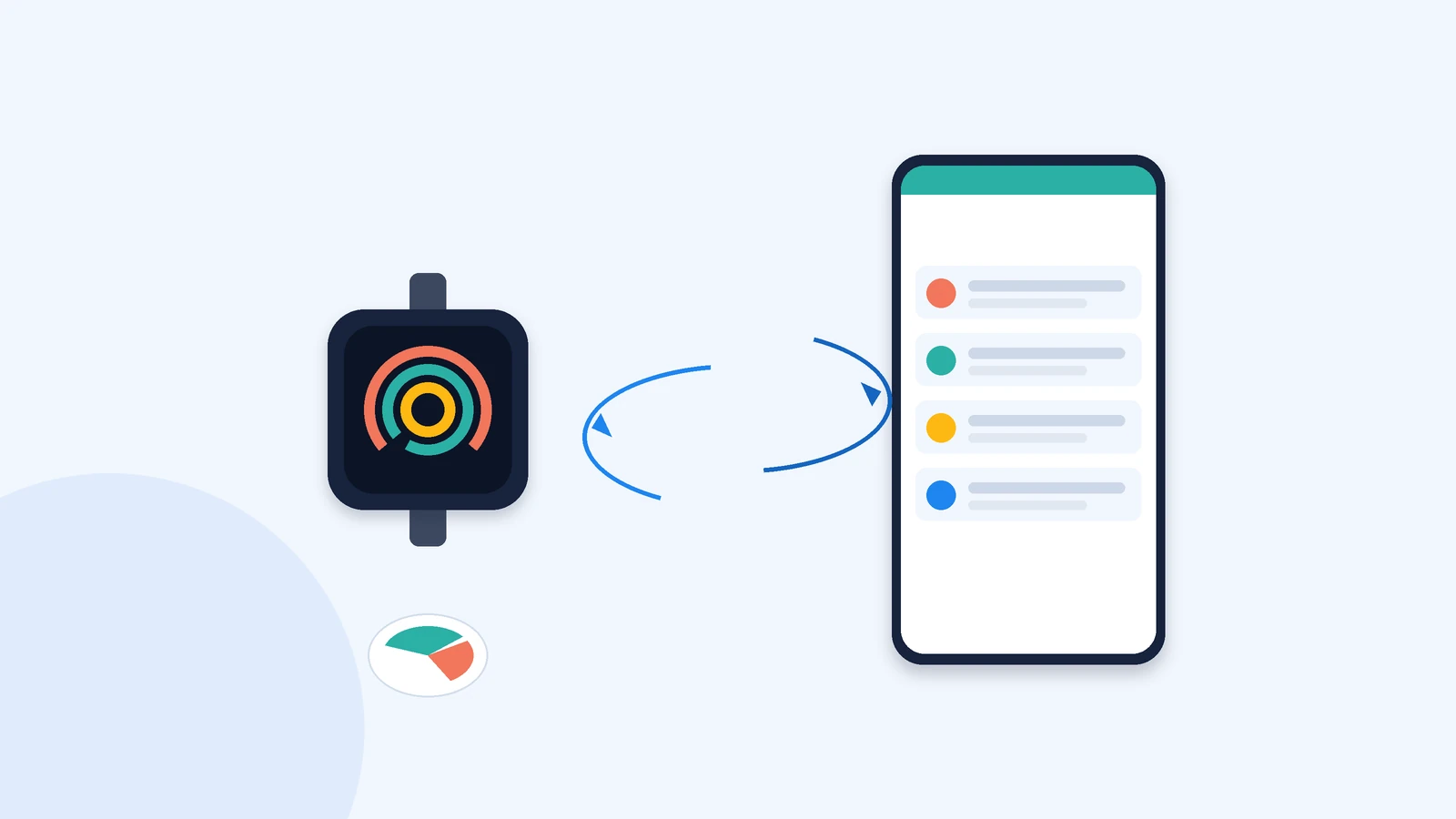
JoinBeet combines personalized meal planning and delivery scheduling with health information from supported wearables. Its Terra integration connects devices such as Apple Watch, Fitbit, Garmin, and Oura Ring. Available information depends on the connected device and permissions.
The platform supports people with needs associated with conditions such as diabetes or kidney disease, as well as recovery after surgery. Users can also submit laboratory test requests, which a team arranges separately.
Caregiver features let users help manage a dependent’s health needs, while a progress diary supports mood and symptom logging. These functions illustrate how an app can bring several everyday tasks together. Each task still needs an identified owner and a clear next step when someone requests help.
For other projects, identify required connections to electronic health records, laboratories, pharmacies, or payment services. Confirm provider access, supported data, approvals, fees, and ongoing maintenance before including an integration in the development scope.
Design for different abilities and everyday situations
An app may be used by someone with limited vision, a caregiver helping a family member, or a patient unfamiliar with smartphones. Clear language, readable text, generous touch targets, and understandable error messages should be part of the design discussion.
Test important journeys with the people expected to use them. Include screen reader behavior, text resizing, and language needs in the acceptance criteria where relevant. W3C mobile accessibility guidance provides a useful reference. Ask participants to complete a task without coaching and observe where they need help.
Plan for connection failures and changing devices
Choose iOS, Android, or web delivery according to your users and the features involved. Careslate is an iOS app; another product may need broader device coverage.
A quick way to pick the platform:
| Option | Best when | Trade-off |
|---|---|---|
| iOS | Users are iPhone-first and device features matter (e.g. Careslate) | Smaller reach than cross-platform |
| Android | You need broad device reach across varied hardware | More device and OS testing |
| Web | Fast access with no install, across devices | Limited native and device capabilities |
| Cross-platform | You want one codebase for iOS and Android | Some native depth traded for speed |
Test slow networks, interrupted audio, denied permissions, and outdated devices alongside normal use. Decide what happens when translation is unavailable or wearable sync stops. Explain the next step to the user and protect completed work where appropriate. Reliability requirements should describe these situations so the team can test them before release.
Agree on scope costs and ownership early
A useful estimate starts with defined workflows, integration requirements, and acceptance criteria. Include ongoing costs such as API usage, hosting where needed, app store accounts, maintenance, and external service fees.
The things that actually move the price:
| Cost driver | What it covers | Why it moves the price |
|---|---|---|
| Workflows & features | Patient and staff journeys, and each feature’s process | More flows and edge cases mean more to build and test |
| Integrations | EHRs, labs, pharmacies, payments, wearables | Each one needs access, approvals, fees and maintenance |
| Privacy & security | HIPAA mapping, encryption, access, logging, recovery | Regulated data raises design, review and testing effort |
| Platforms | iOS, Android, web | More platforms mean more build and QA |
| Ongoing costs | API usage, hosting, app store, maintenance | These recur after launch, not just up front |
Set milestones around working features the client can review. The agreement should also specify source code ownership, account control, documentation, and handover responsibilities. A smaller first release can make an idea easier to test, but the right scope for custom healthcare app development depends on the clinical use, operational needs, and technical dependencies.
Compare proposals against the same requirements. An estimate that includes integration testing, deployment, and documentation covers different work from one limited to screen development. Ask what each milestone delivers, what the client must provide, and how changes will affect the schedule and cost.
Define support before the app goes live
A healthcare app needs attention after publication. Operating systems change, external APIs evolve, and users find problems that testing did not reveal. Agree on responsibility for monitoring, updates, incident response, and recovery.
Support expectations belong in the project agreement. Specify how urgent issues are reported, response targets, maintenance coverage, and how new work is estimated. Reviewing feedback after launch also helps decide which improvements deserve attention next.
Why choose Mobilions for custom healthcare app development
Our work on Careslate and JoinBeet brings practical experience to these conversations. Careslate involves spoken translation, optional local conversation history, and device authentication. JoinBeet brings together doctor-defined nutrition rules, meal planning, wearable connectivity, and administrative workflows.
We involve healthcare professionals in reviewing requirements and medical workflows, and combine internal QA with client and patient testing. This gives your team concrete work to discuss when evaluating our healthcare app development services.
If you are planning an app for a US startup, clinic, or hospital, bring us the task your patients or staff struggle with today. Talk to Mobilions about the users, features, and delivery requirements for a first release.
Frequently asked questions
What is custom healthcare app development?
Custom healthcare app development means designing software around a specific service, patient group, or clinical workflow. It covers the experience on the phone and the processes behind it, such as staff access, appointment management, and connections to external services.
How much does a custom healthcare app cost?
The cost depends on the defined workflows, integration requirements, and acceptance criteria, plus ongoing costs such as API usage, hosting where needed, app store accounts, maintenance, and external service fees. Compare proposals against the same requirements, since an estimate that includes integration testing, deployment, and documentation covers different work from one limited to screen development.
How long does it take to build a healthcare app?
Timelines depend on scope. Setting milestones around working features the client can review keeps progress measurable, and a smaller first release can reach real users sooner than a full build.
Does a healthcare app have to be HIPAA compliant?
HIPAA applicability depends on the organizations, relationships, and services involved. A data flow map helps identify the care provider, app operator, development team, and external services, and any required Business Associate Agreements. Whether HIPAA applies and whether a deployment meets it is determined with your responsible team; HHS guidance for app developers helps assess those questions.
Should we build an MVP or first release before the full app?
Building the first release around the tasks your users need most lets you validate the core experience before adding features such as caregiver access or symptom diaries. A smaller first release can make an idea easier to test, but the right scope depends on the clinical use, operational needs, and technical dependencies.
What integrations do healthcare apps usually need?
Common connections include electronic health records, laboratories, pharmacies, payment services, and wearables (for example via a Terra integration to devices such as Apple Watch, Fitbit, Garmin, and Oura Ring). Confirm provider access, supported data, approvals, fees, and ongoing maintenance before including an integration in scope.
Who owns the source code?
The project agreement should specify source code ownership, account control, documentation, and handover responsibilities. With Mobilions, you own the source code and IP.
iOS, Android, or web for a healthcare app?
Choose delivery according to your users and the features involved. Careslate, for example, is an iOS app, while another product may need broader device coverage; test slow networks, interrupted audio, denied permissions, and outdated devices alongside normal use.

Tushar Patel is the founder and CEO of Mobilions, an AI-first software engineering company. With over a decade helping businesses build custom software, mobile apps, and AI solutions, he leads strategy and delivery for teams shipping products across 20+ countries. He writes practical, senior-level guides on software development, hiring engineering talent, and scaling products.